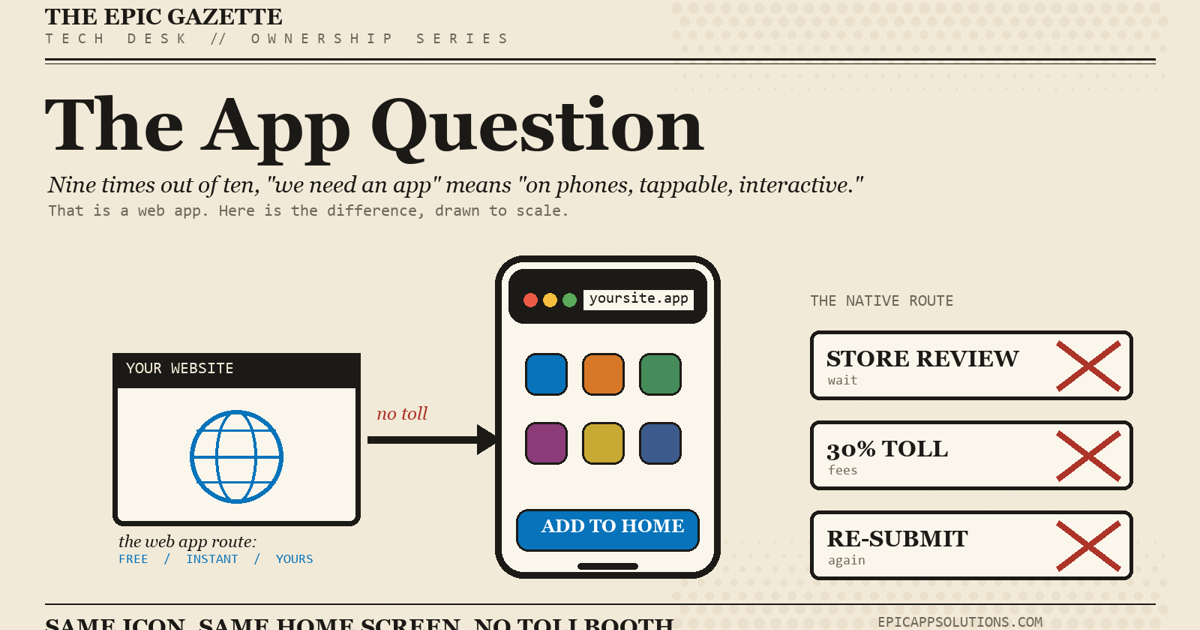
Do I Need an App? What Did I Actually Buy?
“We bought an app” can mean five completely different things. You may own custom software, source code, and the accounts behind it — or you may be renting somebody else's platform with your logo on it.
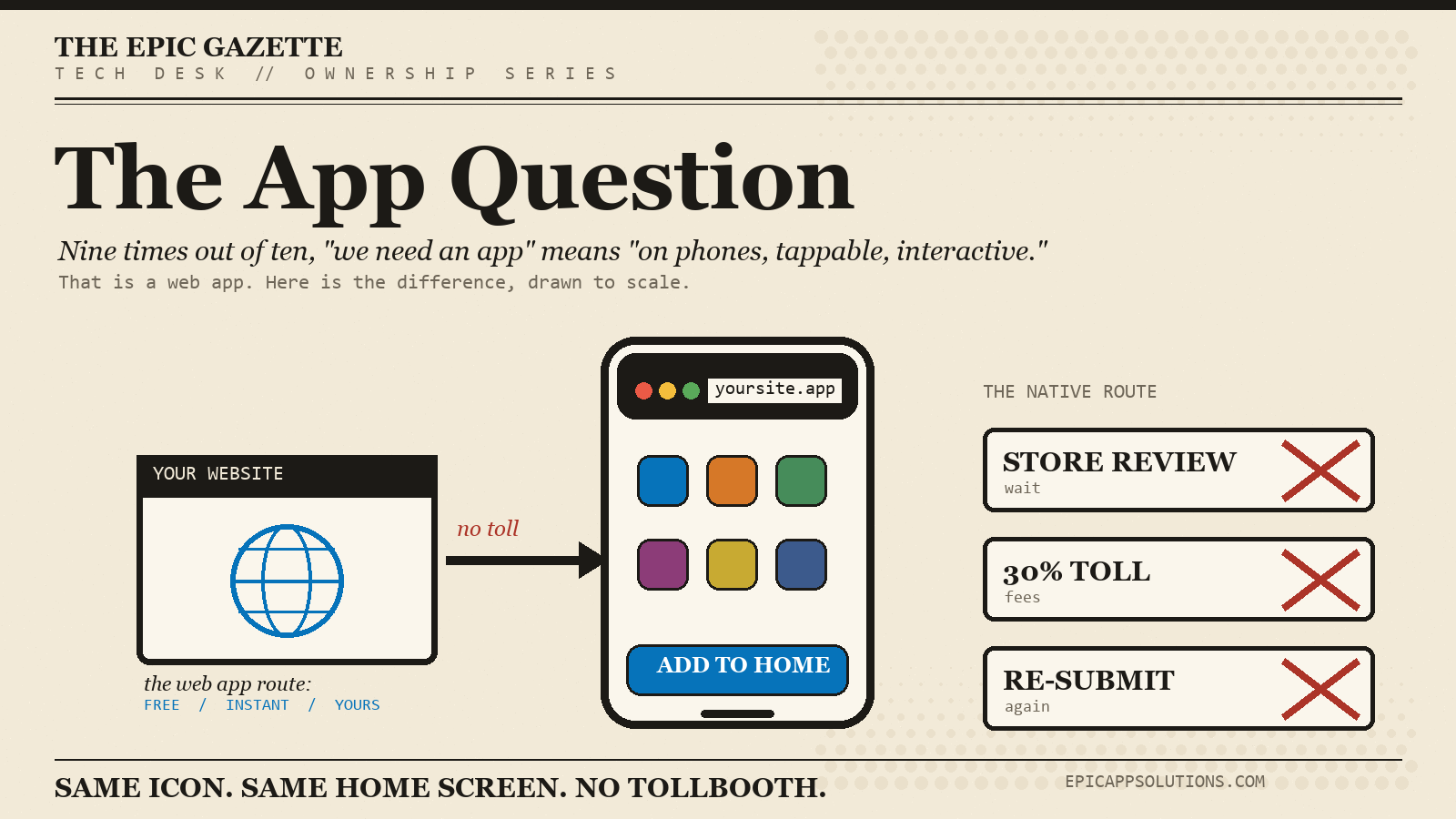
A lot of businesses ask for an app because everybody has one. That is not a requirement.
Probably Web — People Visit Occasionally
Information, menus, forms, reservations, directories, articles, and simple account access often work perfectly well on the web.
Probably App — People Return Constantly
Frequent alerts, camera use, offline features, location, QR scanning, loyalty, field work, hardware integration, and repeated personalized workflows can justify an app.
Web app (Browser)
Software that runs in a browser. No app-store install required.
PWA (Installable web)
A web application designed to feel app-like and often installable from the browser.
Native app (Phone / tablet)
Software made for iOS or Android and typically distributed through the store or enterprise channels.
Wrapper app (Hybrid)
A native shell that loads or connects to web-based content and services.
White label (Platform)
An existing platform rented with your brand, colors, and configuration.
Subscription (Access only)
If it disappears when payments stop, you bought access — not the software itself.
If you cannot answer these questions, you do not yet know what you bought.
A store listing is distribution. The actual product may include a front end, back end, database, APIs, staff admin tools, hosting, authentication, notifications, analytics, and backups.
Strong Position — You Control the Important Pieces
Repository, app-store accounts, domain, cloud, database, keys, backups, documentation, and clear contractual rights.
Weak Position — The Developer Controls Everything
The store listing, domain, server, code, credentials, and data all live in somebody else's private accounts.
Repository
Complete source and relevant history.
Build instructions
How to configure, build, and release it.
Infrastructure
Accounts, roles, domains, cloud, and service ownership.
Backup / export
How business data is protected and recovered.
Architecture map
A plain explanation of how the pieces connect.
Recurring costs
What still needs to be paid after launch.
There is nothing wrong with SaaS, white-label software, or templates. Paying for a proven system can be much smarter than funding an expensive rebuild.
Build the smallest thing that solves the real problem — and be crystal clear about who owns what.
Ownership, licensing, IP rights, source-code rights, and termination obligations are governed by your agreements. This is practical development guidance, not legal advice.
Do You Need an App?
Maybe. Start with the problem. The right answer might be an app, a website, a database, a controller — or nothing new at all.
Don't have a business email, or just want to say something quick? This isn't the formal contact form — no company domain required, nothing but a message is needed.